Keep the Failed Print
3D Printer Repair in
Citrus Park, FL
Intermittent extrusion and first-layer failures are easier to diagnose when the evidence is still available. Keep the failed part, photograph the build plate before cleaning it, and note the layer or elapsed time when the problem began.
Raven Technology Solutions compares that evidence with the material, nozzle temperature, slicer profile, and printer mechanics before recommending parts. This gives a Citrus Park appointment a concrete starting point instead of relying on a description from memory.
 Call Now
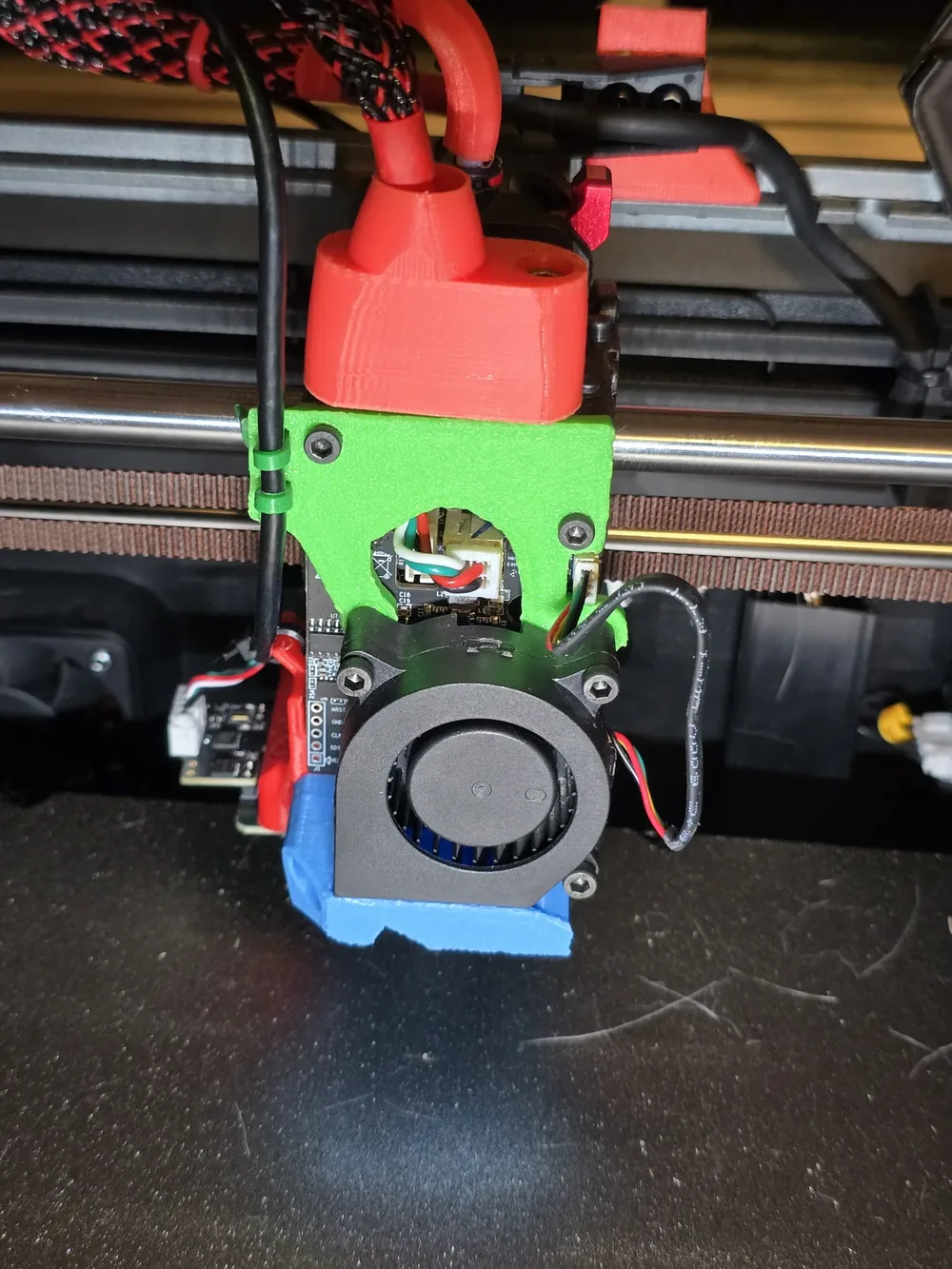
3D Printer Service in Citrus Park
Bed Leveling and First Layers
First-layer trouble, uneven beds, Z-offset problems, and adhesion failures corrected with repeatable setup steps.
3D Printer Service Clogs and Extrusion Faults
Under-extrusion, grinding filament, partial clogs, heat creep, and hotend problems diagnosed before parts are replaced.
Fix My Printer Slicer and Firmware Help
Profiles, firmware questions, connection issues, and settings mismatches reviewed so software and hardware agree.
Tech Support New or Moved Printer Setup
Assembly checks, frame squaring, wiring review, first calibration, and test prints for new or recently moved printers.
Setup Help Prepare for a More Useful Diagnosis
Prepare an Intermittent Print Failure
Keep one failed sample and the settings that produced it so the symptom can be traced instead of recreated from memory.
-
Failed Part Evidence
Photograph the whole part, a close view of the first bad layer, and the build plate before removing residue or changing the Z-offset.
-
Project and Profile
Save the model file, project file, slicer profile, and preview; note whether the same profile succeeds on a different object.
-
Machine and Material
Write down the printer model, nozzle diameter, filament type and brand, temperature settings, and any recent maintenance.
Diagnostic Focus
Use the Failed Print as Evidence
Failure Pattern Review
The height, direction, and surface pattern of a failed print can help separate adhesion, extrusion, motion, and slicer causes.
Settings With Context
Bring the project file or slicer profile when possible so settings can be compared with the material and machine instead of reset blindly.
Before the Appointment
Record the printer model, filament brand and type, nozzle size, temperatures, and any displayed error; do not send account passwords.
Common Questions
Citrus Park 3D Printer Repair FAQ
What should I save from a failed print?
Keep the part if practical and take clear photos of the failure and build plate. Also save the project file or slicer profile and note the material, nozzle size, temperatures, and when the problem appeared.
What does a visit to Citrus Park cost in travel?
Travel charges for on-site visits are based on driving distance from our Baker Road office and confirmed from the service address before booking: no charge within 10 driving miles, $20 from 10 to 20 driving miles, and $40 from 20 to 30 driving miles. Beyond 30 driving miles, call for availability and a quote. Drop-off by appointment has no travel charge.
Why does my first layer refuse to stick?
Bed level, Z-offset, surface condition, temperature, material, and motion can all contribute. A photo of a full-bed first-layer test is more useful than repeatedly changing several settings at once.
Get in Touch
Contact Us
Call
727-297-9370Hours
Every day: 7:00 AM – 10:00 PM
Calls answered during all hours; on-site service scheduled afternoons and evenings on weekdays, and anytime on weekends.
Get an Estimate
Related Local Pages
On-site travel charges are based on driving distance from our Baker Road office and confirmed from the service address before booking. Drop-off by appointment has no travel charge.


