Raven Technology Solutions
Computer Cleaning in Pasco
On-Site Service Within About 30 Driving Miles of New Port Richey
Dust and debris can restrict vents, fans, and heatsinks. When that restriction raises temperatures, some processors can reduce performance to stay within their operating limits. Raven Technology Solutions provides condition-based computer cleaning, airflow inspection, and temperature checks. Cleaning can address buildup and airflow problems, but it cannot guarantee a particular temperature, speed, or lifespan or repair an unrelated failing component.
 Contact Us
Ready to Restore Your Computer?
Let Us Help You Clean and Optimize Your System
Cleaning is tailored to the machine rather than a fixed schedule. We can remove accessible buildup, inspect airflow and fans, check temperatures, and discuss thermal-paste service when the design, measurements, and component condition make it appropriate. If the symptoms point to software or hardware failure instead, we explain that before recommending additional work.
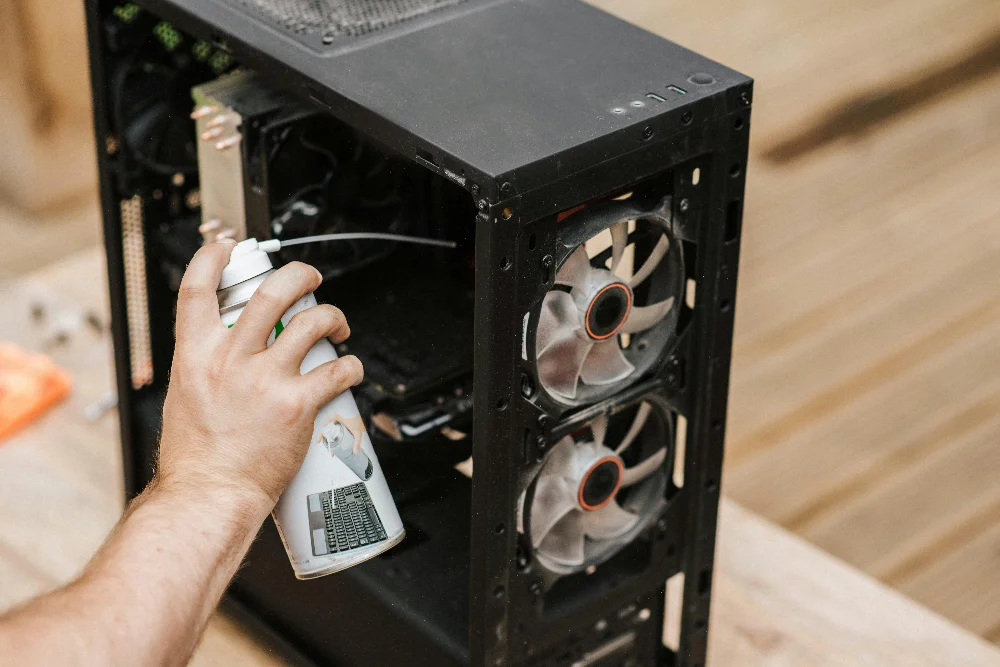
Thorough Cleaning
Why Do People Choose Raven Technology Solutions for Computer Cleaning?
Computer cleaning is based on the condition of the machine. Raven Technology Solutions can remove accessible dust, inspect fans and airflow, and discuss thermal-paste service when temperatures or component age make it appropriate. Cleaning can help with heat caused by restricted airflow, but it cannot repair a failing component or guarantee a particular temperature or lifespan; any additional issue found is explained before more work is approved.
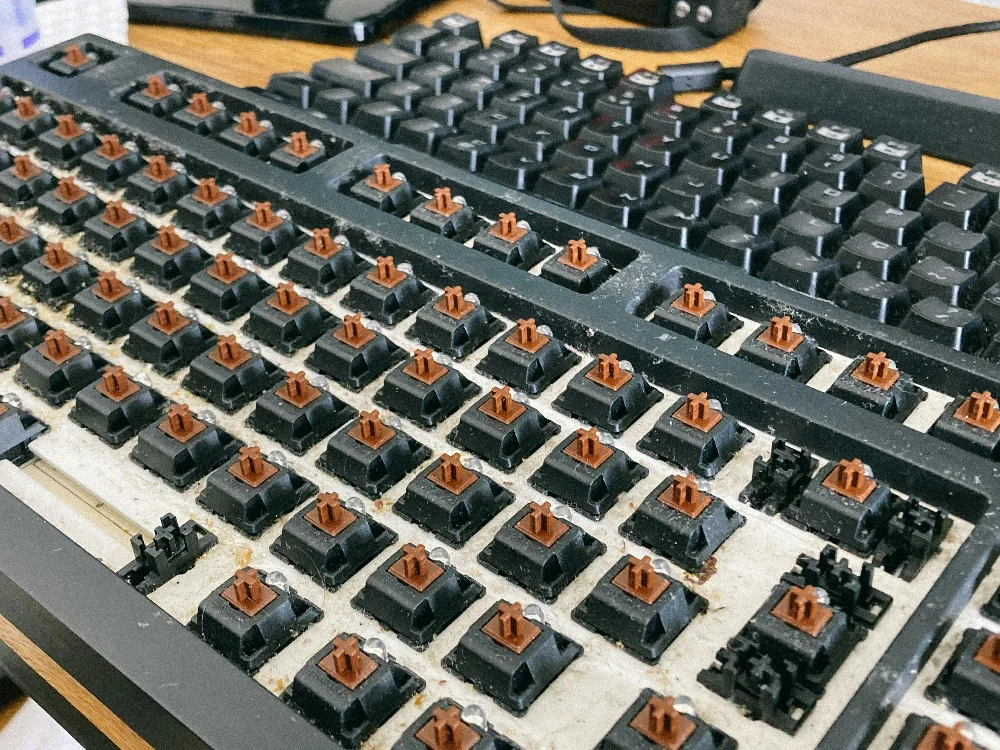
Related Guide
If a machine is fast when cold and slows as it warms up, heat may be one cause worth measuring. Our guide to a slow computer explains how to tell that apart from the other causes.
Related Services
Common Questions
Computer Cleaning FAQ
What does a professional computer cleaning include?
We remove dust from fans, heatsinks, and vents, tidy up cables, and check temperatures, with an optional software tune-up to clear out junk slowing you down.
How often should a computer be cleaned?
There is no universal cleaning interval. Follow the computer maker’s manual and inspect the machine’s condition. Visible buildup, restricted vents, rising temperatures, or unusually loud fans can justify attention sooner, especially around pets, carpet, smoke, or dusty work areas. The computer maintenance checklist offers a practical reminder schedule rather than a manufacturer requirement.
Can cleaning really make my computer faster?
It can help when restricted airflow is raising temperatures and the processor is reducing performance to protect itself. It will not fix unrelated software problems or failing components, so temperatures and symptoms should be checked first.
Sources and Further Reading
Cleaning procedures differ by model. Follow the manufacturer’s service and safety instructions before opening a computer, and use temperature measurements rather than assuming dust is the cause of a slowdown.
- Dell: general computer maintenance and cleaning guidance.
- Intel: processor temperature and thermal-protection guidance.
Sources were reviewed on August 11, 2026. A citation does not imply sponsorship or endorsement.
Get in Touch
Contact Us
Call
727-297-9370Hours
Every day: 7:00 AM – 10:00 PM
Calls answered during all hours; on-site service scheduled afternoons and evenings on weekdays, and anytime on weekends.


