Nearby Help for Failed Prints
3D Printer Repair in
Port Richey, FL
A 3D printer does not need to be completely inoperative to waste material or time. Raven Technology Solutions helps Port Richey customers troubleshoot failed prints, setup problems, and calibration issues.
We look at the machine as a system: bed level, Z-offset, extrusion, motion, filament condition, slicer settings, firmware, wiring, and the environment around the printer. The goal is a printer that works more reliably and an owner who understands what changed.
 Call Now
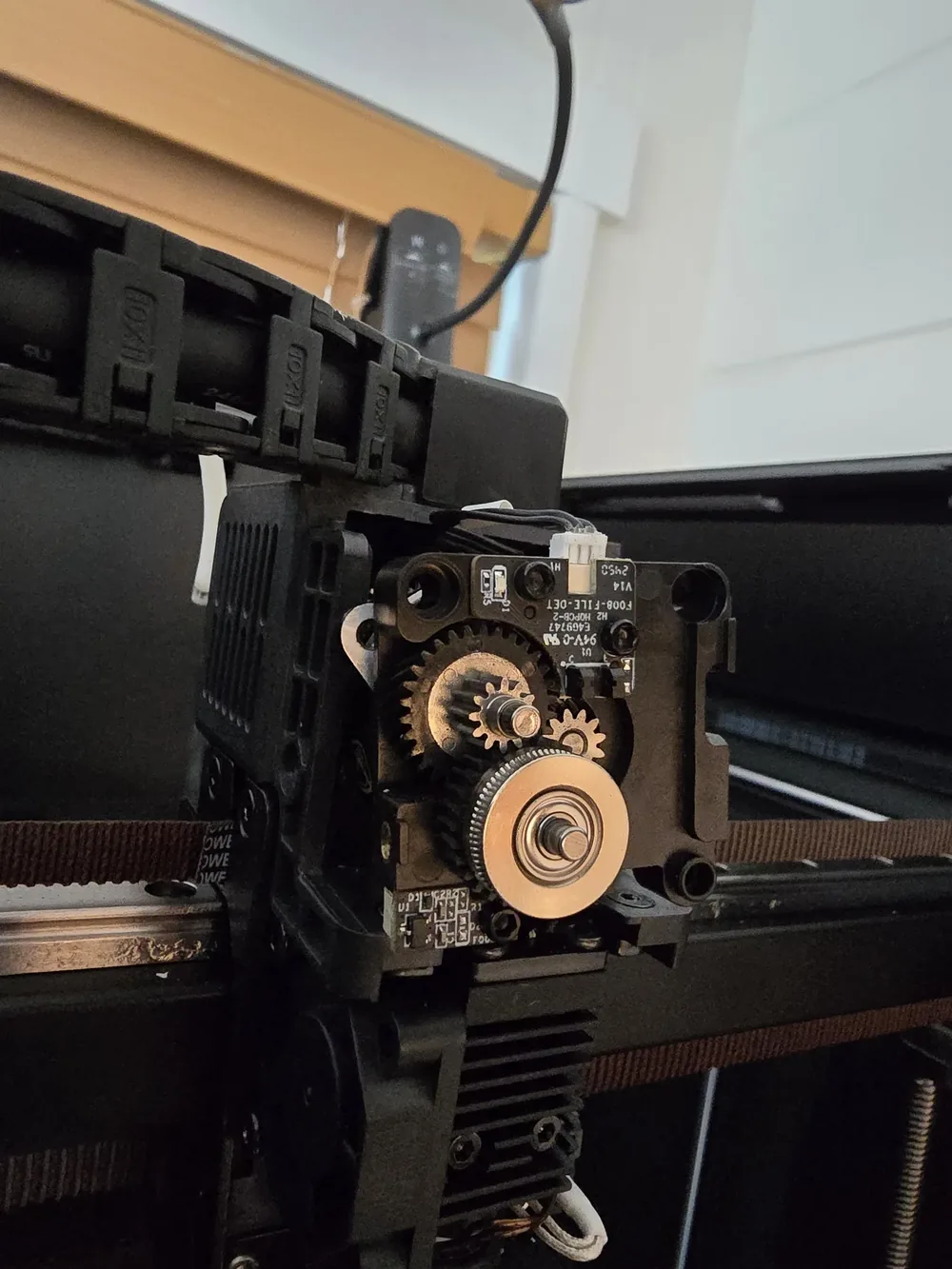
3D Printer Issues We Troubleshoot in Port Richey
Bed Leveling and Calibration
First-layer trouble, uneven beds, Z-offset problems, and adhesion failures corrected with repeatable setup steps.
3D Printer Service Clogs and Extrusion Issues
Under-extrusion, grinding filament, partial clogs, heat creep, and hotend problems diagnosed before parts are replaced.
Fix My Printer Slicer and Firmware Help
Profiles, firmware questions, connection issues, and settings mismatches reviewed so software and hardware agree.
Tech Support New or Moved Printer Setup
Assembly checks, frame squaring, wiring review, first calibration, and test prints for new or recently moved printers.
Setup Help Service Approach
Practical 3D Printer Help Nearby
Root-Cause Troubleshooting
We separate mechanical, thermal, electrical, slicer, filament, and setup problems instead of guessing.
Florida Filament Awareness
Humidity can affect filament and print quality, so storage and material condition are part of the conversation.
You Learn the Fix
The repair is explained so you can repeat key calibration steps and spot early warning signs later.
Common Questions
Port Richey 3D Printer Repair FAQ
Can Florida humidity affect my 3D printer filament?
Yes. Moist filament can cause popping, stringing, weak layers, poor finish, and inconsistent extrusion. We can help check whether filament condition is part of the failure.
Can you calibrate a printer that was moved?
Yes. Moving a printer can affect frame alignment, bed level, wiring, and Z-offset. We can inspect and recalibrate it before more prints fail.
Do you help new users learn basic maintenance?
Yes. We can walk through cleaning, bed prep, loading filament, checking belts, saving slicer profiles, and recognizing common early problems.
Can you come to me, or should I bring the printer in?
Travel charges for on-site visits are based on driving distance from our Baker Road office and confirmed from the service address before booking: no charge within 10 driving miles, $20 from 10 to 20 driving miles, and $40 from 20 to 30 driving miles. Beyond 30 driving miles, call for availability and a quote. Drop-off by appointment has no travel charge.
Get in Touch
Contact Us
Call
727-297-9370Hours
Every day: 7:00 AM – 10:00 PM
Calls answered during all hours; on-site service scheduled afternoons and evenings on weekdays, and anytime on weekends.
Get an Estimate
Related Local Pages
On-site travel charges are based on driving distance from our Baker Road office and confirmed from the service address before booking. Drop-off by appointment has no travel charge.


