Treat Thermal Warnings Seriously
3D Printer Repair in
Odessa, FL
A thermal-runaway message, unstable temperature graph, scorched connector, damaged heater or thermistor wire, smoke, or a burning odor is a stop-use condition. Turn the printer off, unplug it, and do not keep clearing the warning to finish a job.
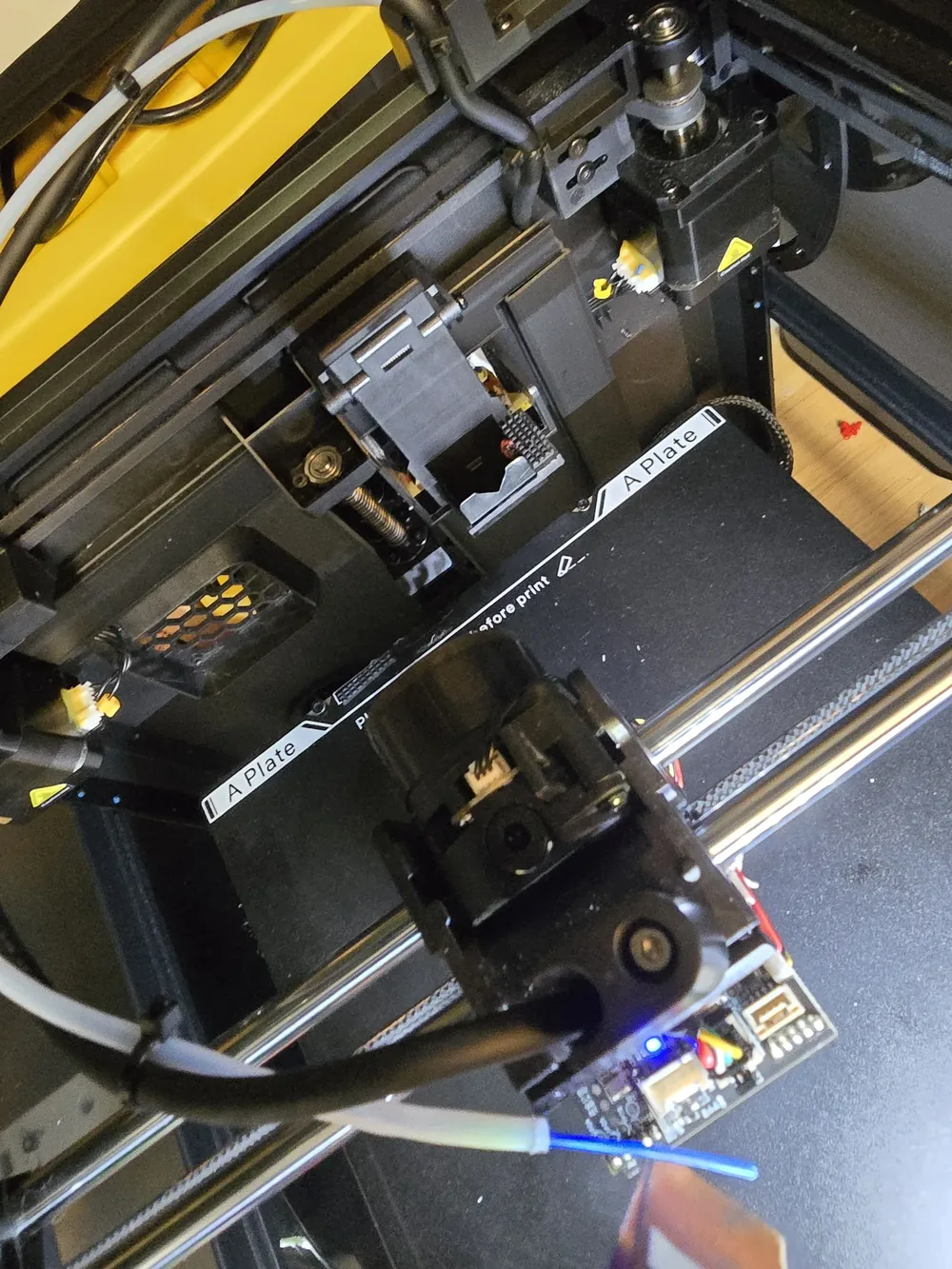
Raven Technology Solutions can inspect the heater circuit, sensors, connectors, wiring, hotend assembly, firmware configuration, and recorded error for Odessa customers. Photograph the message and affected area without opening an energized power supply or touching a hot toolhead.
 Call Now
3D Printer Repair in Odessa
Bed Leveling and First Layers
First-layer trouble, uneven beds, Z-offset problems, and adhesion failures corrected with repeatable setup steps.
3D Printer Service Clogs and Extrusion Faults
Under-extrusion, grinding filament, partial clogs, heat creep, and hotend problems diagnosed before parts are replaced.
Fix My Printer Slicer and Firmware Help
Profiles, firmware questions, connection issues, and settings mismatches reviewed so software and hardware agree.
Tech Support New or Moved Printer Setup
Assembly checks, frame squaring, wiring review, first calibration, and test prints for new or recently moved printers.
Setup Help Prepare for a More Useful Diagnosis
Prepare a Thermal-Fault Handoff
Leave the printer unplugged after a serious warning and collect information without bypassing a safety feature.
-
Exact Warning
Write down the complete message, target temperature, displayed temperature, and whether it appeared during heating, printing, or cooldown.
-
Recent Work
List any nozzle, heater, thermistor, hotend, mainboard, connector, or firmware change made before the warning began.
-
Safe Photographs
Only after cooling and unplugging, photograph accessible wiring and connectors; do not defeat interlocks or open a mains-voltage power supply.
Safety-Focused Diagnosis
Stop, Record, Then Inspect
Clear Stop Conditions
Smoke, burning odor, visible heat damage, exposed conductors, and repeated thermal warnings mean the machine stays unplugged.
Temperature Evidence
The exact error, target and reported temperatures, timing, and recent hotend work help narrow the inspection safely.
Root Cause, Not Guesswork
Clogs, adhesion failures and layer shifts traced properly before any part is replaced.
Common Questions
Odessa 3D Printer Repair FAQ
Should I restart after a thermal-runaway warning?
Do not repeatedly clear the warning. Turn the printer off, unplug it, let it cool, and record the exact message. A loose sensor, damaged wire, heater fault, connection, or configuration issue needs inspection before further printing.
What should I photograph before service?
Capture the full error screen, hotend and visible wiring after everything is cool and unplugged, plus any scorched connector or damaged insulation. Do not remove covers from an energized power supply.
Do I bring the printer to you, or do you come to me?
Travel charges for on-site visits are based on driving distance from our Baker Road office and confirmed from the service address before booking: no charge within 10 driving miles, $20 from 10 to 20 driving miles, and $40 from 20 to 30 driving miles. Beyond 30 driving miles, call for availability and a quote. Drop-off by appointment has no travel charge.
Get in Touch
Contact Us
Call
727-297-9370Hours
Every day: 7:00 AM – 10:00 PM
Calls answered during all hours; on-site service scheduled afternoons and evenings on weekdays, and anytime on weekends.
Get an Estimate
Related Local Pages
On-site travel charges are based on driving distance from our Baker Road office and confirmed from the service address before booking. Drop-off by appointment has no travel charge.


