Remote Help Before a House Call
Remote Support in
Palm Harbor, FL
Palm Harbor sits near the edge of our service area, which makes remote support the smart first call: no travel charge, no waiting on a drive, and many software problems solved in a single session.
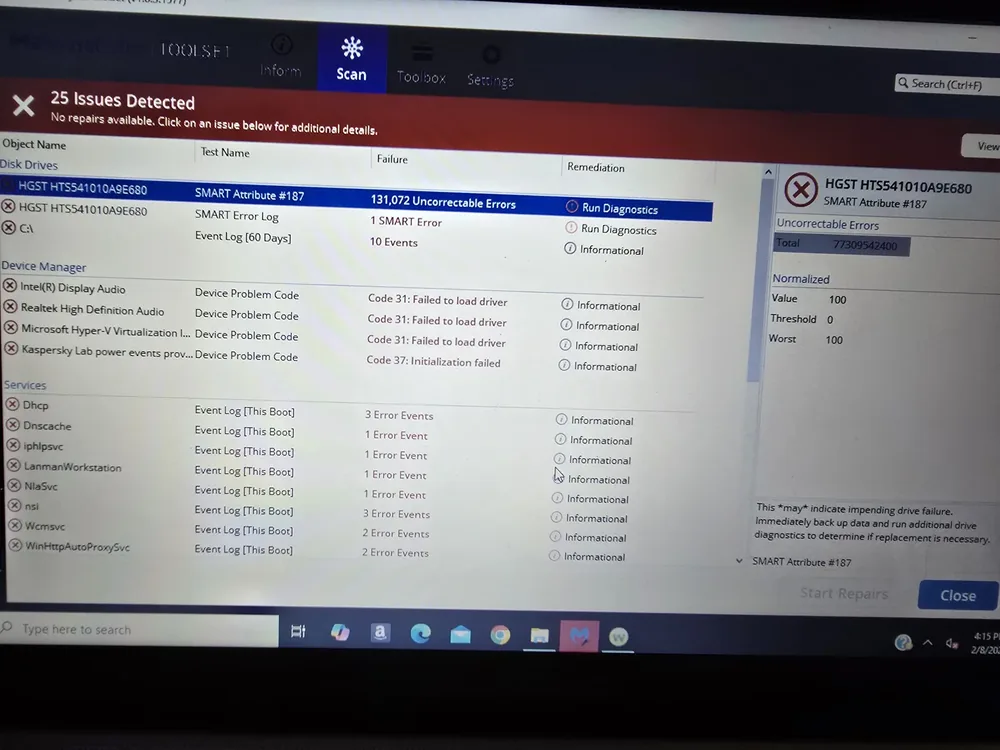
When a problem really is hardware — a failing drive, a dead port, Wi-Fi that needs physical rearranging — we'll say so plainly and schedule an in-home visit instead. On-site travel is based on driving distance from our Baker Road office and confirmed from the service address before booking: no charge within 10 driving miles, $20 from 10 to 20 driving miles, and $40 from 20 to 30 driving miles.
 Call Now
Remote Support We Handle in Palm Harbor
Software Troubleshooting
Slow programs, update errors, browser issues, app settings, and strange computer behavior reviewed remotely when it is safe to do so.
Support Options Email and Account Help
Email setup, password resets, account recovery steps, sync issues, and basic account security checked in plain language.
Email Help Printer and Device Settings
Driver settings, default printer issues, scanner apps, and print queues checked remotely when the printer is already reachable.
Printer Help Security Checkups
Suspicious pop-ups, browser notifications, unwanted apps, and basic scam recovery steps reviewed carefully.
Security Help Why Remote Support Helps
Fast Help for Palm Harbor Software Problems
Quick First Step
Remote help can often start faster than an appointment for problems that do not need hands-on repair.
Permission-Based Access
You stay in control of the session, and we explain what is being checked before changes are made.
Local Backup
Served from our New Port Richey base with remote help first when possible, so an on-site option is still available when remote support is not enough.
Common Questions
Palm Harbor Remote Support FAQ
Can you help if I clicked a suspicious pop-up?
Yes. We can review browser notifications, unwanted software, account security steps, and safer habits to reduce the chance of repeat trouble.
Why start with remote support instead of a house call?
For Palm Harbor it saves you money twice: remote sessions carry no travel charge, and software fixes don't need anyone in your living room. If hands-on work is required, you'll know before booking it.
What do I need for a remote session?
A working internet connection and a few minutes on the phone with us to get connected. If the computer won't start or can't get online at all, that's an in-person problem and we'll plan for that instead.
Get in Touch
Contact Us
Call
727-297-9370Hours
Every day: 7:00 AM – 10:00 PM
Calls answered during all hours; on-site service scheduled afternoons and evenings on weekdays, and anytime on weekends.
Get an Estimate
Related Local Pages
No travel charge ever applies to remote sessions.


