Printer Troubleshooting
Is It Worth Repairing Your Printer?
The honest economics, including when the answer is no.
Start Here
There is no reliable repair-cost percentage or age cutoff for every printer. Compare the exact repair estimate with a genuinely equivalent replacement, then include remaining consumables, page volume, features, energy use, setup time, parts availability, and the value of avoiding downtime. A low-cost inkjet and a serviceable office laser can produce very different answers at the same age.
First Two Minutes
Three Questions That Usually Settle It
- What would an equivalent printer cost now? Markets and feature sets change in both directions. Compare with a current model that meets the same paper size, color, scan, duplex, network, speed, and volume requirements rather than relying on the original purchase price.
- Is the failed part documented as a consumable, a service part, or a core component? Some models provide user-replaceable rollers, drums, maintenance kits, or print heads; others integrate the same function into a larger assembly. The exact parts catalog and service instructions determine availability and labor.
- What does it cost you to run? Compare ink or toner yield, drum and maintenance-kit costs, paper, energy, and your actual monthly volume. A published page yield is measured under a standard test method — ISO/IEC 24711 for inkjet cartridges, ISO/IEC 19752 and 19798 for monochrome and color toner — so it is a comparison point between products, not a promise of what any particular customer will achieve.
Narrow It Down
Where Each Kind of Printer Usually Lands
An inexpensive home inkjet
On a low-purchase-price inkjet, diagnostic time, labor, and a major part can approach the cost of a current equivalent. That does not make every repair uneconomical; a setting, maintenance procedure, available service part, or need for a specific feature can still make repair sensible.
- If the fault is a setting, a driver, a clog that clears, or a cheap roller, it is worth putting right.
- If a built-in print head is confirmed failed, check whether an authorized part and practical service procedure exist before assuming either repair or replacement is the answer.
- If it is out of warranty and needs paid work, compare the written repair estimate and remaining consumables with a suitable replacement and its consumable costs.
Before replacing, confirm that the printer itself has failed. Network, queue, driver, settings, and consumable problems can resemble hardware failure and may not require a replacement part, although diagnosis and setup can still take time or incur labor cost.
A business-class mono laser
A business-class mono laser can be a strong repair candidate when its documented service parts remain available, its page count and overall condition are reasonable, and it still fits the required workload.
- Fusers, rollers, separation pads, and drums are service items on many business models; confirm parts and procedures for the exact printer.
- Age alone does not reveal remaining life; page count, duty history, maintenance records, environment, and the condition of multiple assemblies matter.
- Compare the exact cartridge yield and price, plus separate drum or maintenance items, rather than assuming toner will always cost less per page than ink for the models under consideration.
If a small office is spending heavily on an inkjet, compare its real page mix and consumable use with suitable ink-tank, laser, or managed business models over a time period that matches the business’s purchasing plan.
A multifunction unit where only one function has failed
A printer that scans and copies but will not print, or prints but will not scan, is worth separating out before deciding.
- Diagnose the failed function before pricing a repair; scanner faults can involve software, calibration, cabling, optics, motors, or control electronics depending on the model.
- If the printing side has failed, compare the exact estimate and the value of the remaining functions with an equivalent multifunction replacement.
- Where only scanning has failed, compare repair with a standalone scanner or another documented workflow instead of discarding working print functions automatically.
A printer that keeps needing attention
The hardest case is the machine that is not exactly broken but is never quite right: a jam most weeks, a cleaning cycle before every job.
- Work out what it has cost in time and consumables over the past year rather than looking only at the next repair.
- Consider whether it is the wrong machine for the work. Compare actual monthly volume, media, quality, and turnaround needs with the manufacturer’s recommended monthly volume and supported media for the exact model.
Model Differences
The Running Cost Most People Never Work Out
Purchase price is only one part of ownership cost. Comparing standardized cartridge yields, replacement supplies, maintenance items, and actual page volume can materially change the decision.
How to work it out
As a comparison estimate, divide the cartridge price by its published page yield, add any separately rated drum or maintenance items, and multiply by your expected volume and evaluation period. Actual yield varies with page coverage, color mix, settings, maintenance, environment, and usage patterns.
What it tends to show
A printer with a lower purchase price can cost more over the chosen period if its supplies have a higher estimated cost per page. Run the calculation for the exact models instead of assuming either the cheaper or more expensive printer wins.
Where it matters most
The higher your monthly volume, the more the running cost dominates and the less the purchase price matters. At low volumes the opposite is true and buying cheap is perfectly sensible.
Avoid These
What Not to Do
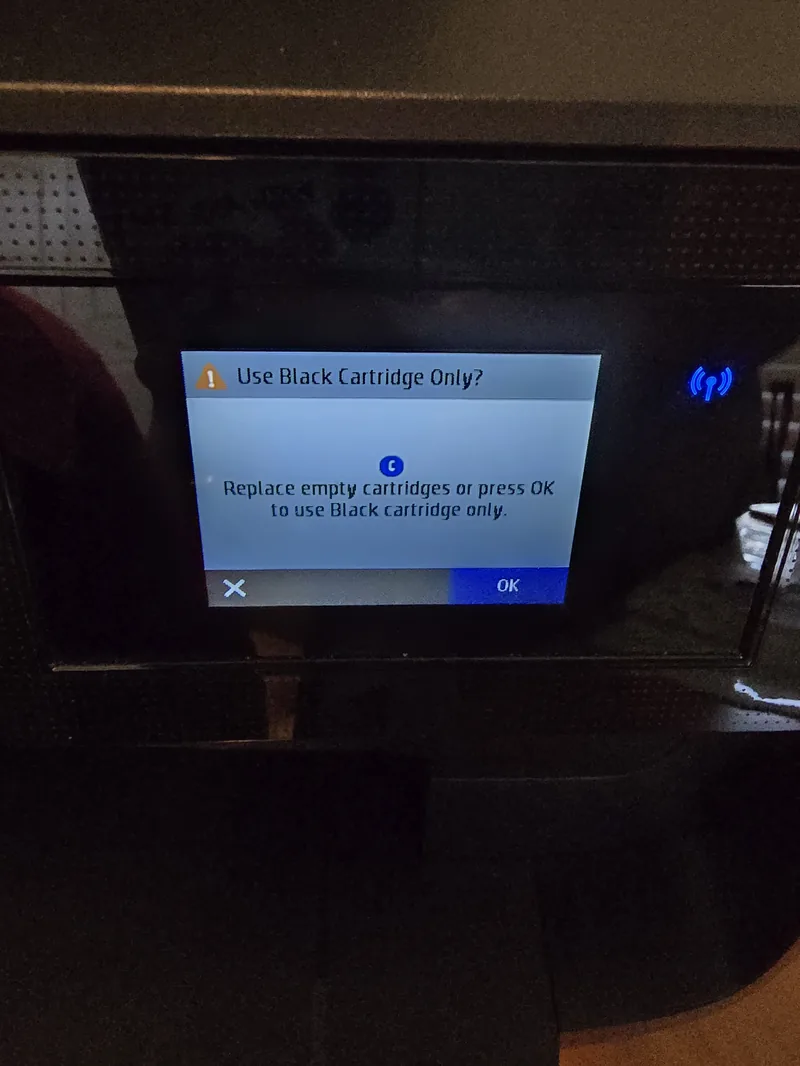
- Do not replace a printer over an error message you have not identified. Look up the exact code in the model’s current support documentation and distinguish consumable, setup, software, and service errors before deciding.
- Do not judge by age alone. Page count, maintenance history, workload, parts support, current condition, and replacement requirements are more useful than a universal age cutoff.
- Do not forget the cost of the change. A new printer means new cartridges to stock, drivers to install on every device, and scan destinations to set up again. That is real time.
- Do not discard a working printer for one dead function without checking whether the function you still need can be met another way.
- Do not treat every replaceable part as a do-it-yourself part. Fusers and power assemblies can remain hot or expose hazardous voltage. Use only manufacturer-designated user-service kits; otherwise unplug the printer, let it cool, and arrange qualified service.
Being Straight About It
When Replacing Really Is the Answer
Replacement can be the honest recommendation when a required part or supported procedure is unavailable, several major assemblies are failing, structural damage makes a durable repair impractical, or the written repair estimate does not make sense against a suitable replacement and its ownership costs. We would rather explain that comparison than sell work that is unlikely to serve you well.
Related Guides
Worth ruling out first: many printers written off as dead are only offline.
A print-quality fault is worth diagnosing before it is treated as terminal.
Sources and Further Reading
- ENERGY STAR: imaging-equipment buying guidance, product sizing, and energy features
- HP: how a manufacturer measures inkjet page yield, and why actual yield varies (an older HP explainer, published before the current ISO standard was ratified)
Sources reviewed August 11, 2026. Published yields and certifications help compare products under defined test conditions; they do not replace an exact repair estimate, actual usage history, or current model documentation. These citations do not imply sponsorship or endorsement.
If You Would Rather Not
If you have worked through this and would rather hand it over, we repair printers on site and by drop-off at our Baker Road office in New Port Richey. We will tell you before starting if we think the machine is not worth the work. Rates are on our pricing page, and travel is charged by driving distance from the office, confirmed from your address before booking. More about the service on our printer repair page.
 Get in Touch
Written by Peter Maz, Raven Technology Solutions. Last updated 2026-08-11.
On-Site Help Near You
Safety Harbor | Tarpon Springs | Trinity | Citrus Park | Dunedin | East Lake
Travel is priced by driving distance from our Baker Road office and confirmed from the service address before booking. See every service area.


