Unhurried and Explained
Printer Repair in
Safety Harbor, FL
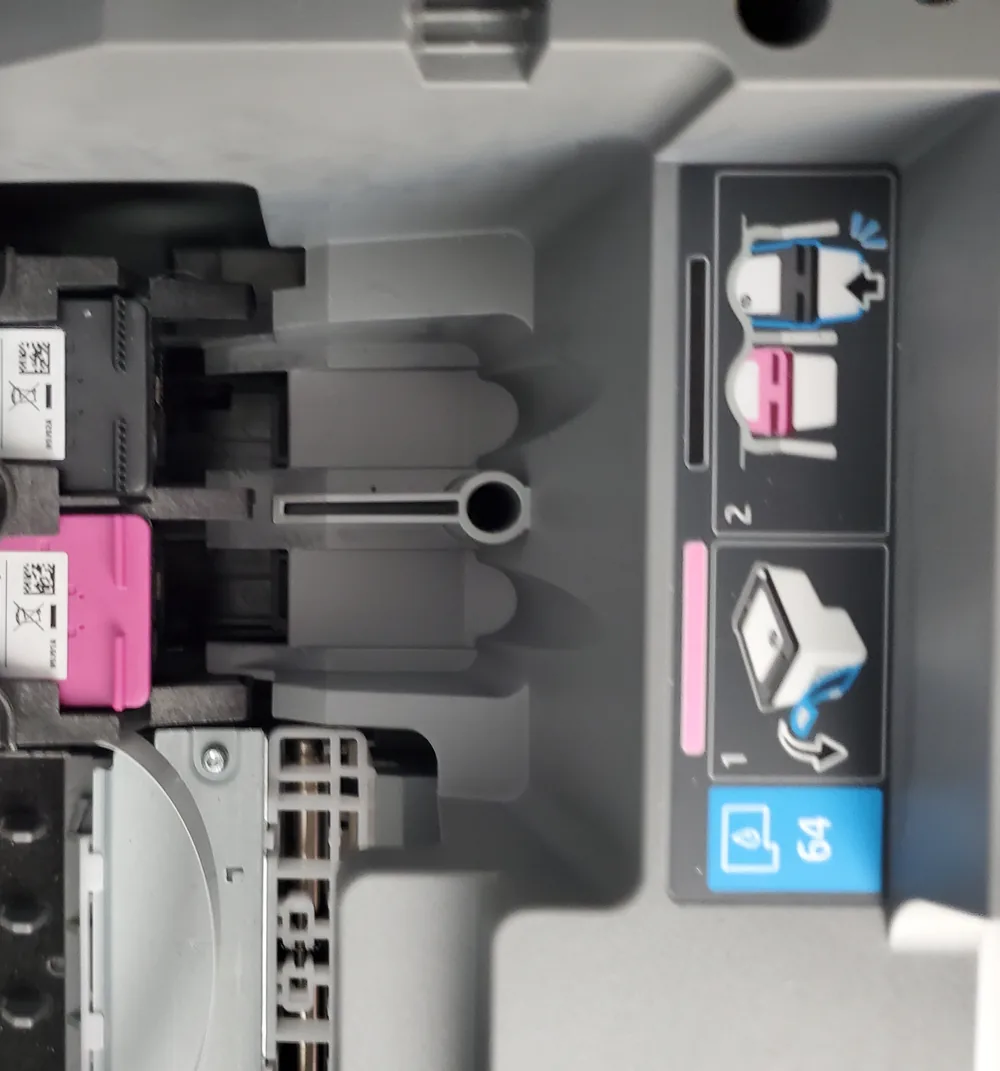
Printer maintenance should follow the model's documented access points and consumable design. Household cleaners, unapproved solvents, force on sensor flags, and loose toner or ink around electrical areas can create a larger problem than the original symptom.
Raven Technology Solutions can identify safe owner maintenance and the work better left for service for Safety Harbor customers. Bring the model number, manual if available, diagnostic page, and supplies so the instructions match the actual machine.
 Call Now
Try These First, Before You Call
Printer Showing Offline
Offline status can involve the printer address, Wi-Fi, saved port, queue, driver, account, or operating-system settings; we test the path before assuming hardware failure.
Offline Printer Guide Streaks, Faded or Blank Pages
Print quality faults traced properly, including the check that decides whether a new cartridge will actually help.
Print Quality Guide Paper Jams and Feed Problems
Jams cleared without leaving scraps behind, phantom jam messages, and printers that pull two sheets at once.
Paper Jam Guide Worth Repairing, or Not?
Repair scope, consumables, parts availability, and the cost of a suitable replacement are compared before more money is committed.
Repair or Replace Prepare for a More Useful Diagnosis
Prepare a Safe Maintenance Review
Keep unapproved cleaners and tools out of the printer and gather model-specific information before opening service areas.
-
Manual and Model
Record the complete model and serial label and bring the maintenance or consumables section of the manufacturer manual if available.
-
Diagnostic Output
Print a status, supplies, quality, or configuration page and label any cleaning or calibration already attempted.
-
Products and Supplies
Bring the installed and spare cartridges, toner, drum, paper, and any cleaner used; do not spray liquid or compressed air inside before inspection.
If That Did Not Fix It
Fixed, Then Explained
Taught If You Want It
How to clear a jam properly, when to stop cleaning cycles, and how to keep the printer on the network.
Nothing Invented
We fix what is wrong. If a part does not need replacing, it does not get replaced.
A Routine That Sticks
Cleaning and user-replaceable items are matched to the manual, consumable design, and observed symptom.
Common Questions
Safety Harbor Printer Repair FAQ
Can you show me how to clear a jam properly?
Gladly. Pulling paper the wrong way is what turns one jam into a run of them, and it takes two minutes to demonstrate.
I am not technical. Will this be over my head?
No. We explain the diagnosis, choices, safe maintenance, and follow-up steps in ordinary language and at your pace.
Do you come to me, or do I bring the printer in?
Travel charges for on-site visits are based on driving distance from our Baker Road office and confirmed from the service address before booking: no charge within 10 driving miles, $20 from 10 to 20 driving miles, and $40 from 20 to 30 driving miles. Beyond 30 driving miles, call for availability and a quote. Drop-off by appointment has no travel charge.
Get in Touch
Contact Us
Call
727-297-9370Hours
Every day: 7:00 AM – 10:00 PM
Calls answered during all hours; on-site service scheduled afternoons and evenings on weekdays, and anytime on weekends.
Get an Estimate
Related Local Pages
On-site travel charges are based on driving distance from our Baker Road office and confirmed from the service address before booking. Drop-off by appointment has no travel charge.


