Plain-Language Printer Help
Printer Repair in
Holiday, FL
You do not need to diagnose the printer before asking for help. The exact model, what you were trying to print or scan, the message on screen, and what changed immediately beforehand are enough to start a useful conversation.
Raven Technology Solutions explains each test and option in plain language for Holiday customers. Bring the device you normally use, a sample page or photo of the fault, and any paper or cartridge involved; keep passwords private and enter them yourself when needed.
 Call Now
Try These First, Before You Call
Printer Showing Offline
Offline status can involve the printer address, Wi-Fi, saved port, queue, driver, account, or operating-system settings; we test the path before assuming hardware failure.
Offline Printer Guide Streaks, Faded or Blank Pages
Print quality faults traced properly, including the check that decides whether a new cartridge will actually help.
Print Quality Guide Paper Jams and Feed Problems
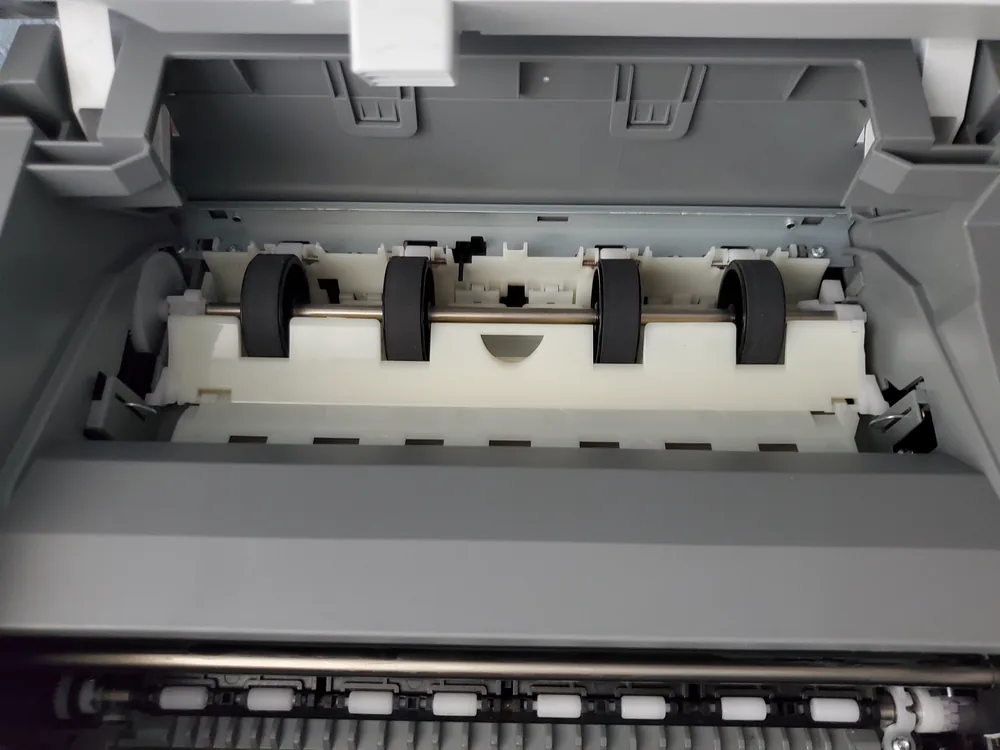
Jams cleared without leaving scraps behind, phantom jam messages, and printers that pull two sheets at once.
Paper Jam Guide Worth Repairing, or Not?
Repair scope, consumables, parts availability, and the cost of a suitable replacement are compared before more money is committed.
Repair or Replace Prepare for a More Useful Diagnosis
Prepare a Plain-Language Problem Handoff
You only need to preserve what happened and bring the equipment used in the normal workflow; no self-diagnosis is required.
-
Describe the Task
Write down what you selected, which device and app you used, what you expected, and the last point where the process worked.
-
Save the Message
Photograph the printer display and capture the full computer or phone error, including any code rather than a shortened summary.
-
Bring the Real Supplies
Have the usual paper, labels, envelope, ink or toner, cable, and the computer or phone that must print or scan available.
If That Did Not Fix It
No Rush, No Jargon
Explained Plainly
Everything gets explained in ordinary language, at whatever pace suits you.
Printing and Scanning Both
Printing and scanning are tested separately because one function can work while the other has a software, destination, or permission problem.
Nothing Invented
If the printer is fine and the problem is the computer, we will say so.
Common Questions
Holiday Printer Repair FAQ
I am not confident with technology. Will you take the time?
Yes. We explain the checks, findings, choices, and follow-up steps in ordinary language and at your pace without assuming prior technical knowledge.
My printer worked until we got a new router. What happened?
The printer may still know the old network, while the computer may retain an old queue or address. Record both network names and the printer's current connection report before resetting it.
Do you come to me, or do I bring the printer in?
Travel charges for on-site visits are based on driving distance from our Baker Road office and confirmed from the service address before booking: no charge within 10 driving miles, $20 from 10 to 20 driving miles, and $40 from 20 to 30 driving miles. Beyond 30 driving miles, call for availability and a quote. Drop-off by appointment has no travel charge.
Get in Touch
Contact Us
Call
727-297-9370Hours
Every day: 7:00 AM – 10:00 PM
Calls answered during all hours; on-site service scheduled afternoons and evenings on weekdays, and anytime on weekends.
Get an Estimate
Related Local Pages
On-site travel charges are based on driving distance from our Baker Road office and confirmed from the service address before booking. Drop-off by appointment has no travel charge.


